
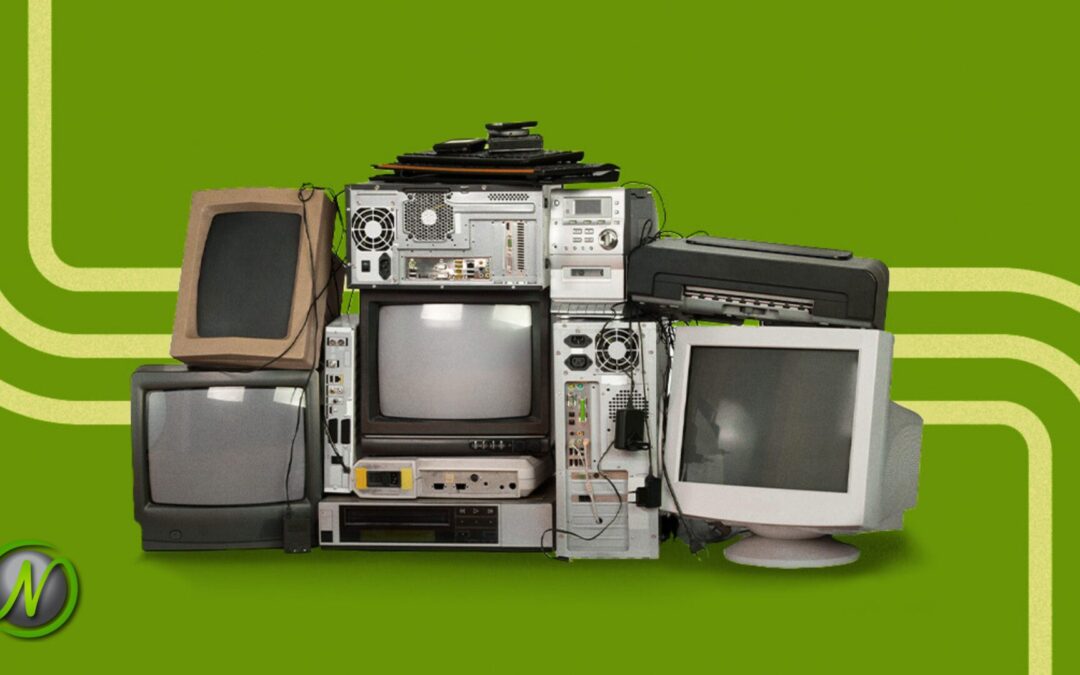
Why You Should Spring Clean Your IT
Most businesses are paying for IT problems they can’t see.
Not because something is broken — but because outdated tools, forgotten systems, and old workarounds are quietly adding cost, friction, and risk behind the scenes. Think of it like an IT closet no one wants to open. From the outside, everything looks fine. Inside, unused software keeps billing, security gaps linger unnoticed, and complexity keeps growing without a clear owner.
Spring is a natural time to open that door — not to start over, but to understand what’s really running and what it may be costing you.
How IT Clutter Builds Without Anyone Noticing
It never happens at once.
A new tool gets added to solve a specific problem. Another system comes in as the business grows. A quick workaround helps the team move faster during a busy stretch. An older application stays in place because no one wants to risk removing something that still appears to be working.
Each decision makes sense in the moment. The issue is that those decisions are rarely reviewed together. Because nothing is visibly broken, there’s no urgency to simplify. Over time, small, reasonable choices quietly turn into a web of complexity.
IT clutter isn’t a sign of failure. In most cases, it’s a sign your business has been moving fast. But left unaddressed, that complexity starts working against you.
What’s Commonly Hiding in the IT Closet
For small and mid-sized businesses in Tulsa, Oklahoma City, and throughout Oklahoma, the IT environment tends to look surprisingly similar when we take a closer look. What we typically find:
Tools no one really uses anymore — software purchased for a specific project or team that was never decommissioned, quietly accumulating licensing costs.
Multiple systems doing the same job — overlapping file storage, communication platforms, or backup solutions that were never consolidated.
Old software that’s “always been there” — legacy applications that haven’t been updated in years, introducing security and compliance risks.
Former employee access that was never removed — a common and preventable cybersecurity exposure, especially in healthcare and legal environments where HIPAA compliance matters.
Quick fixes that quietly became permanent — workarounds created in a pinch that the business now depends on, even though no one fully understands them anymore.
None of this feels dramatic – which is exactly why it’s easy to ignore.
Why Hidden IT Clutter Slows Your Business Down
IT clutter doesn’t usually cause an obvious breakdown. What it causes is friction — and friction is expensive.
Teams aren’t sure which system to use. Information is spread across too many places. Time gets wasted maintaining tools that add little value. Costs creep up gradually, never triggering alarms, but adding up all the same.
For legal firms managing confidential client data, healthcare practices navigating compliance, or energy companies relying on operational uptime, that friction creates real risk. It slows response times, increases uncertainty, and makes everyday work harder than it needs to be.
If you’re not sure how much hidden friction exists in your environment, a simple IT visibility review can surface it quickly — before it turns into a larger problem.
The Risk of Letting It Sit
The longer clutter stays in place, the harder it becomes to deal with.
Outdated systems grow harder to support as vendors end updates and patches. Forgotten tools suddenly matter again when something changes. Workarounds become business‑critical despite no longer being understood.
Unreviewed systems also create compliance exposure. For regulated industries, unused software with access to sensitive data isn’t just inefficient — it’s a liability.
Ignoring clutter doesn’t stop it from growing. It only makes future cleanups more disruptive and more expensive.
IT Spring Cleaning Isn’t About Starting Over
Cleaning out your IT environment doesn’t mean ripping everything out and rebuilding from scratch.
It means decluttering with intention:
- Keep what works
- Organize what’s useful
- Retire what no longer serves the business
- Address unnecessary risk before it becomes an incident
The goal isn’t disruption. It’s clarity — so systems support your team instead of slowing them down.
What a Cleaner IT Environment Actually Feels Like
When IT clutter is under control, the difference is noticeable.
Your team knows where things live. Changes feel manageable instead of risky. New tools can be added without adding complexity. And when something goes wrong, recovery is faster because the environment is understood.
For business owners who want predictable IT, reliable uptime, and confidence that things are simply working, a cleaner IT environment is where that starts.
Start With Visibility
You don’t have to make changes right away.
The first step is opening the door — understanding what’s running, what’s being used, what’s overlapping, and what may be creating risk without you realizing it. Clarity always comes before change.
At Nomerel, we help small and mid-sized businesses across Tulsa, Oklahoma City, and throughout Oklahoma gain that visibility. Our team provides proactive IT management, cybersecurity support, and straightforward guidance that removes uncertainty — so you can focus on running your business instead of managing IT complexity.
Not sure what’s hiding in your IT environment?
Start with a no‑pressure visibility review and get clear on what’s running, what’s overlapping, and where risk may be quietly building.
Contact Rhonda Rush to schedule an IT Business review at Rhonda.Rush@Nomerel.com.

Rhonda Rush
Co-author, Director of Operations at Nomerel
Rhonda serves as Director of Operations at Nomerel, where she ensures every part of the organization—from service delivery to internal processes—runs smoothly and consistently. With a strong background in business operations, human resources, and organizational leadership, Rhonda brings a thoughtful, people-first approach to maintaining high service standards and a positive company culture. She holds both PHR and SHRM-CP certifications and is known for her commitment to clear communication, accountability, and attention to detail. Simply put, Rhonda is the glue that helps hold Nomerel together and keeps everything moving in the right direction.

Faith Morgan
Co-author, Marketing Coordinator at Nomerel
Faith is a dynamic marketing professional with over 9 years of experience in content marketing, social media strategy and video production. An avid traveler and outdoor enthusiast, she draws inspiration from exploring new places, enriching her storytelling approach. At Nomerel, she enhances communication, streamlines processes, and supports the company’s mission to provide exceptional IT solutions.
FAQ: IT Spring Cleaning for Small Businesses
Q: What is IT spring cleaning for small businesses?
A: IT spring cleaning is a structured review of a business’s technology environment to identify unused software, redundant systems, outdated applications, and unnecessary user access that increase cost, complexity, and cybersecurity risk.
Q: How is IT spring cleaning different from an IT audit?
A: An IT audit often focuses on compliance and controls, while IT spring cleaning focuses on visibility and simplification — understanding what tools exist, which ones are actively used, where overlap occurs, and what can be safely retired to reduce risk and cost.
Q: Why is unused or outdated software a cybersecurity risk?
A: Unused and outdated software often lacks current security updates and may still have access to sensitive data, creating overlooked entry points for cyber threats and increasing regulatory and compliance exposure.
Q: How often should a business review its IT environment?
A: Most small and mid-sized businesses should review their IT environment at least once a year, and whenever there is significant growth, staff turnover, or the introduction of new tools or systems.
Q: What are common signs a business has IT clutter or technology debt?
A: Common signs include multiple tools doing the same job, employees unsure which system to use, rising software costs, former employee accounts still active, and workarounds that have become business‑critical over time.
Q: How can Nomerel help with IT spring cleaning in Tulsa and Oklahoma City?
A: Nomerel helps small and mid-sized businesses across Tulsa, Oklahoma City, and throughout Oklahoma by providing IT visibility reviews, cybersecurity assessments, access management, and proactive IT support to reduce risk, eliminate waste, and simplify operations.





Recent Comments